[ TOOL_RECORD / ACTIVE ]

KTool: Send web articles, newsletters and RSS feeds to your Kindle

> KTool is the ultimate Kindle tool. It lets you send web articles to Kindle: blog posts, Hacker News discussions, newsletters and many more.
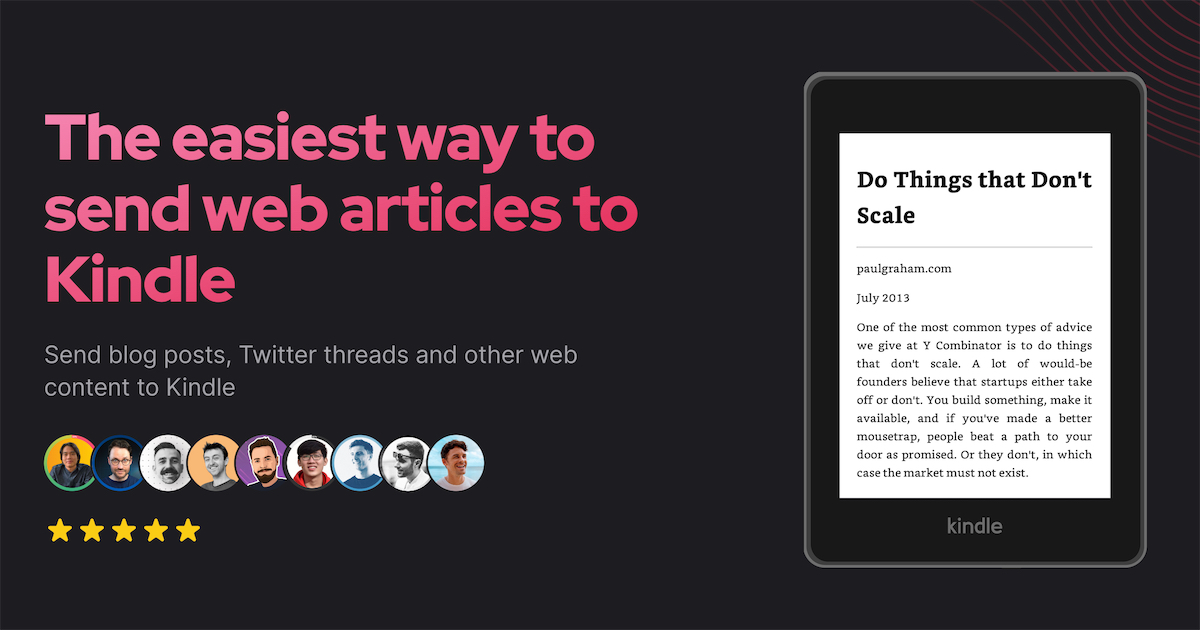
KTool: Send web articles, newsletters and RSS feeds to your Kindle preview

About

KTool is a software designed to help users send web articles, newsletters, and RSS feeds to their Kindle, aiming to reduce eye strain and improve reading focus. This tool is particularly helpful for individuals who spend a lot of time reading on computer screens, such as software engineers, freelancers, and avid readers. By using KTool, users can easily transfer their reading materials to their Kindle, promoting a healthier reading habit.

Details

  • Sends web articles, blog posts, Hacker News discussions, newsletters, and more to Kindle
  • Supports various formats, including Wikipedia articles, Twitter threads, StackOverflow answers, Markdown, PDF, DOCX, Standard EBooks, and newsletters
  • Cross-platform compatibility: available on mobile, desktop, and web
  • Easy to use, with a simple one-click sending process
  • Articles are delivered to Kindle within a minute
  • Removes ads and distractions, detects Table of Content automatically, preserves formats and styles, and optimizes images for Kindle devices
  • Supports Kindle's native features, including Notes & Highlights, Bookmarks, Themes, Font & Layout, Dictionary & Wikipedia, and sync with Kindle mobile apps
  • Integrates with popular web services for a seamless reading experience
  • Supports modern EPUB format
  • Offers a
[ ALTERNATIVE_INDEX ]Explore 10 alternatives to KTool: Send web articles, newsletters and RSS feeds to your Kindle

> Related tools

/ Compare alternatives

toast.log logo
toast.log/ Browser Extensions

Get console errors right on your page.

[Curated]
CSS Pro logo
CSS Pro/ Browser Extensions

A re-imagined Devtools for web design.

[Curated]
Beep⚡ logo
Beep⚡/ Project Management

Review & ship your web projects 4X FASTER with visual tasks

[Curated]
CSS Scan logo
CSS Scan/ Browser Extensions

The fastest and easiest way to check, copy and edit CSS.

[Curated]
Cmd J logo
Cmd J/ Browser Extensions

Use ChatGPT on any tab without copy-pasting

[Curated]
Manganum logo
Manganum/ Productivity

Manganum turns Chrome from just a browser into a productivity workspace.

[Curated]

MTYSK's ask a marketer is an Ai tool for marketing, from writing tweets, to providing strategy, its a partner for all things growth.

[Curated]
UpDog logo
UpDog/ Analytics

UpDog is a free Chrome Extension for influencer marketers, creators and influencers that allows you to see stats like engagement rate, average number of likes and comments for any TikTok or Instagram profile in the quickest way.

[Curated]
30 seconds of knowledge logo
30 seconds of knowledge/ Browser Extensions

Get a random code snippet, from 9 availabe categories, that you can read and understand in 30 seconds or less...

[Curated]
EditThisCookie logo
EditThisCookie/ Browser Extensions

EditThisCookie is the only cookie editor you will ever need!

[Curated]